
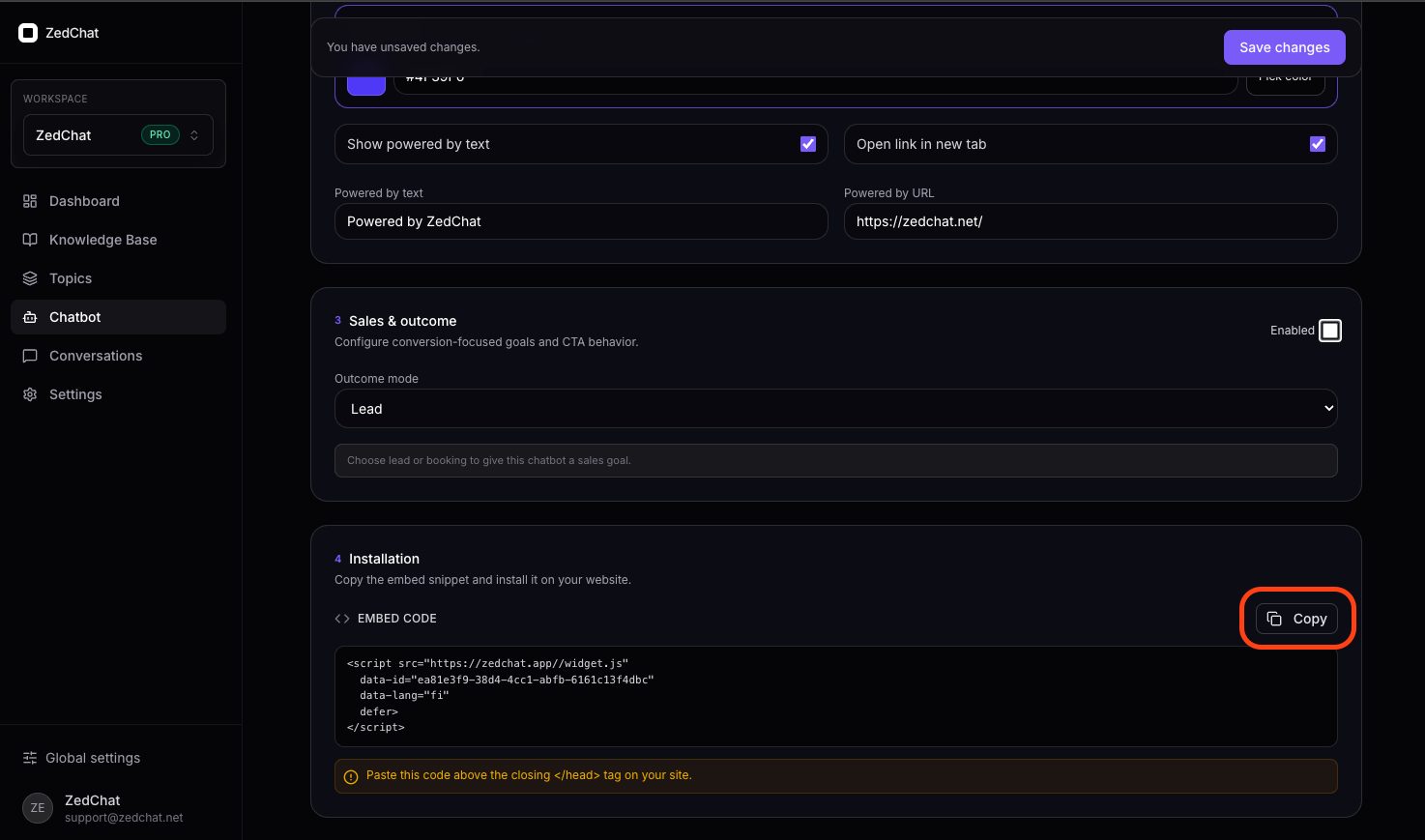
Copy the ZedChat embed script
Log in and go to Chatbot or Dashboard → Embed Script and copy the full code.
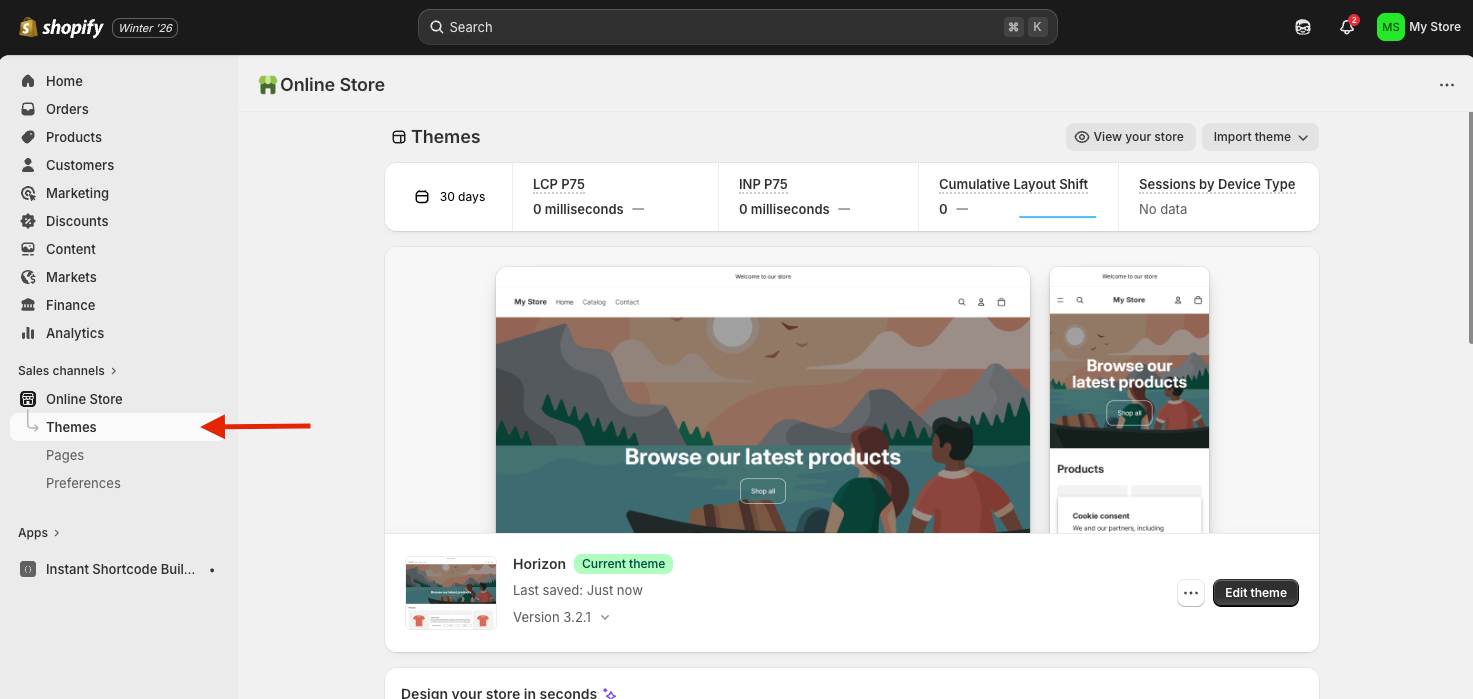
Go to Online Store → Themes in Shopify
Log in to your Shopify admin and select Online Store from the left menu, then click Themes.
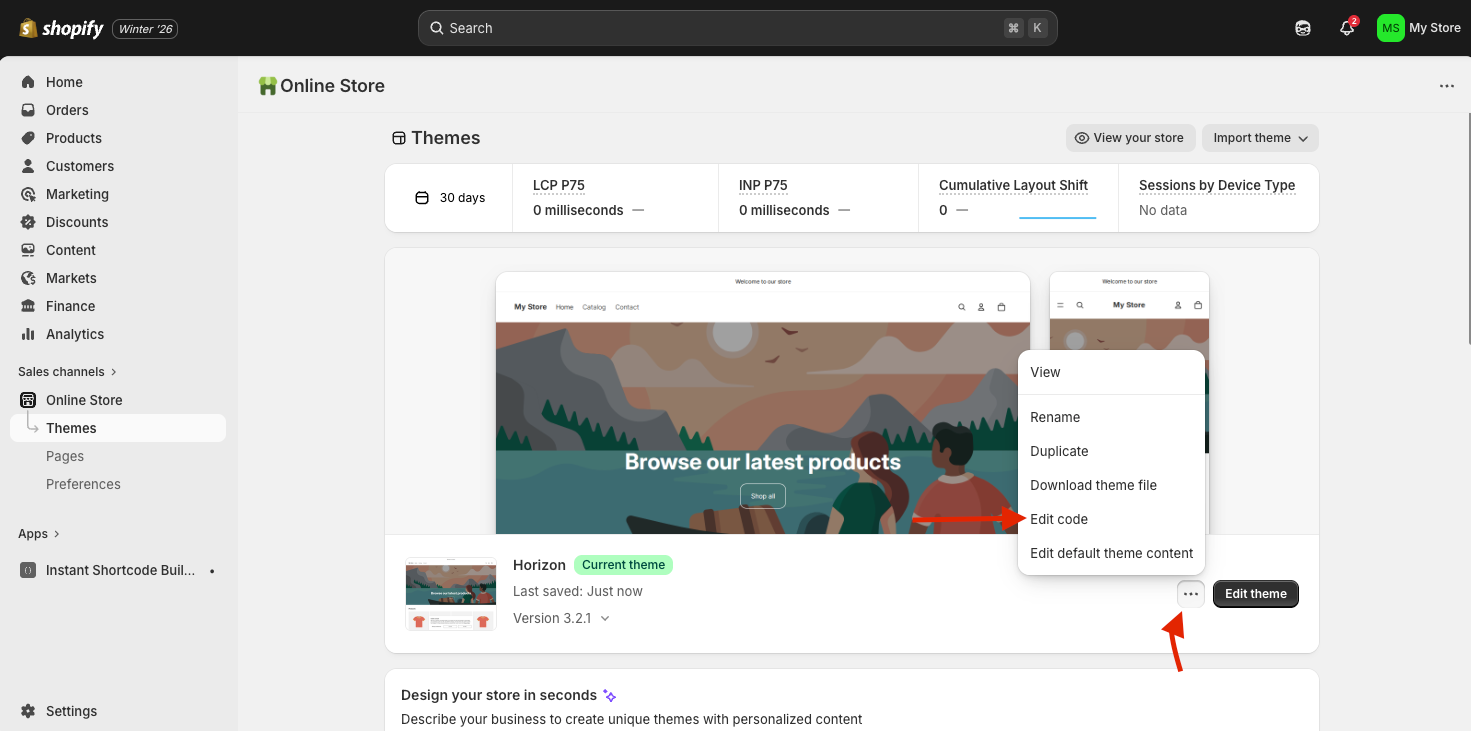
Click the three dots and choose Edit code
Find your live theme, click the three dots (⋯), and select Edit code.
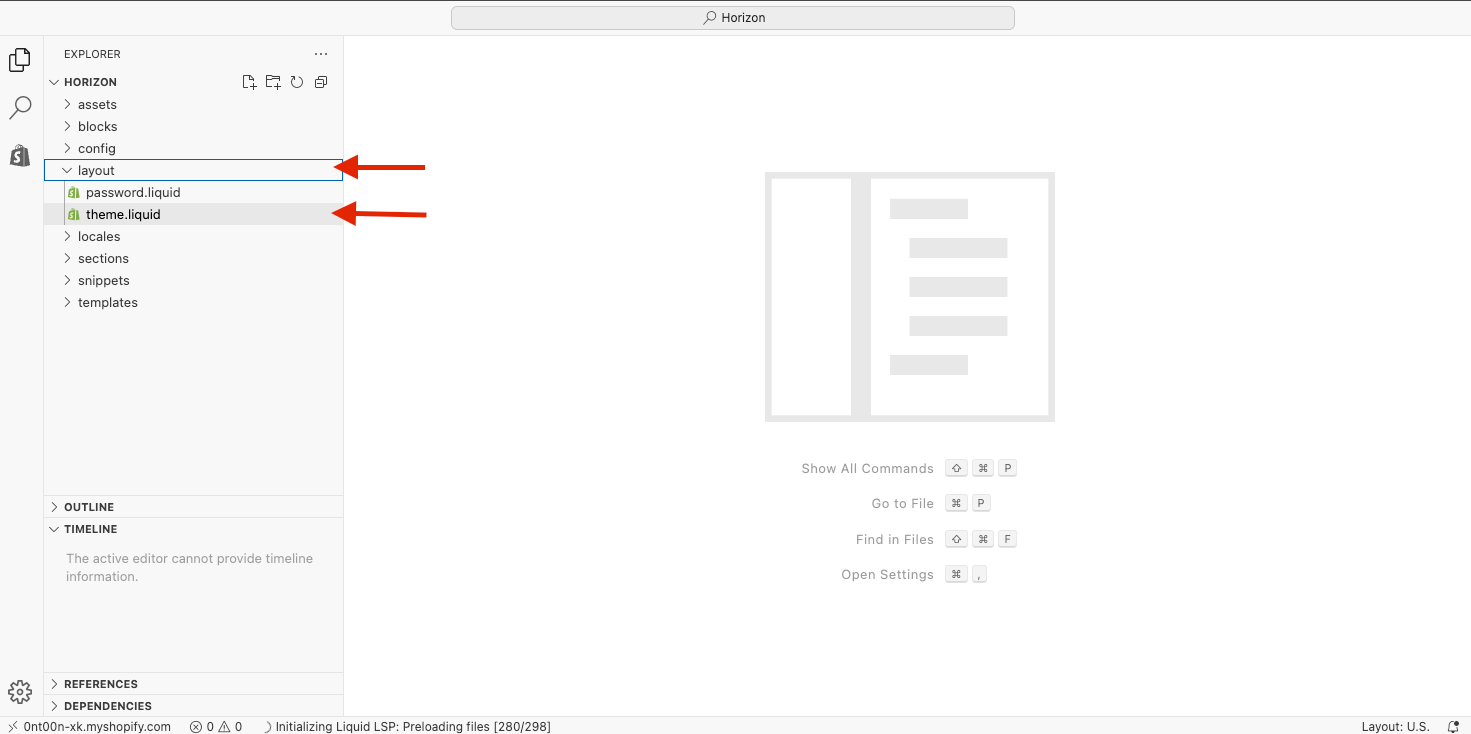
Open Layout → theme.liquid
From the file list on the left, click Layout
and then theme.liquid.
👉 This is the correct file.
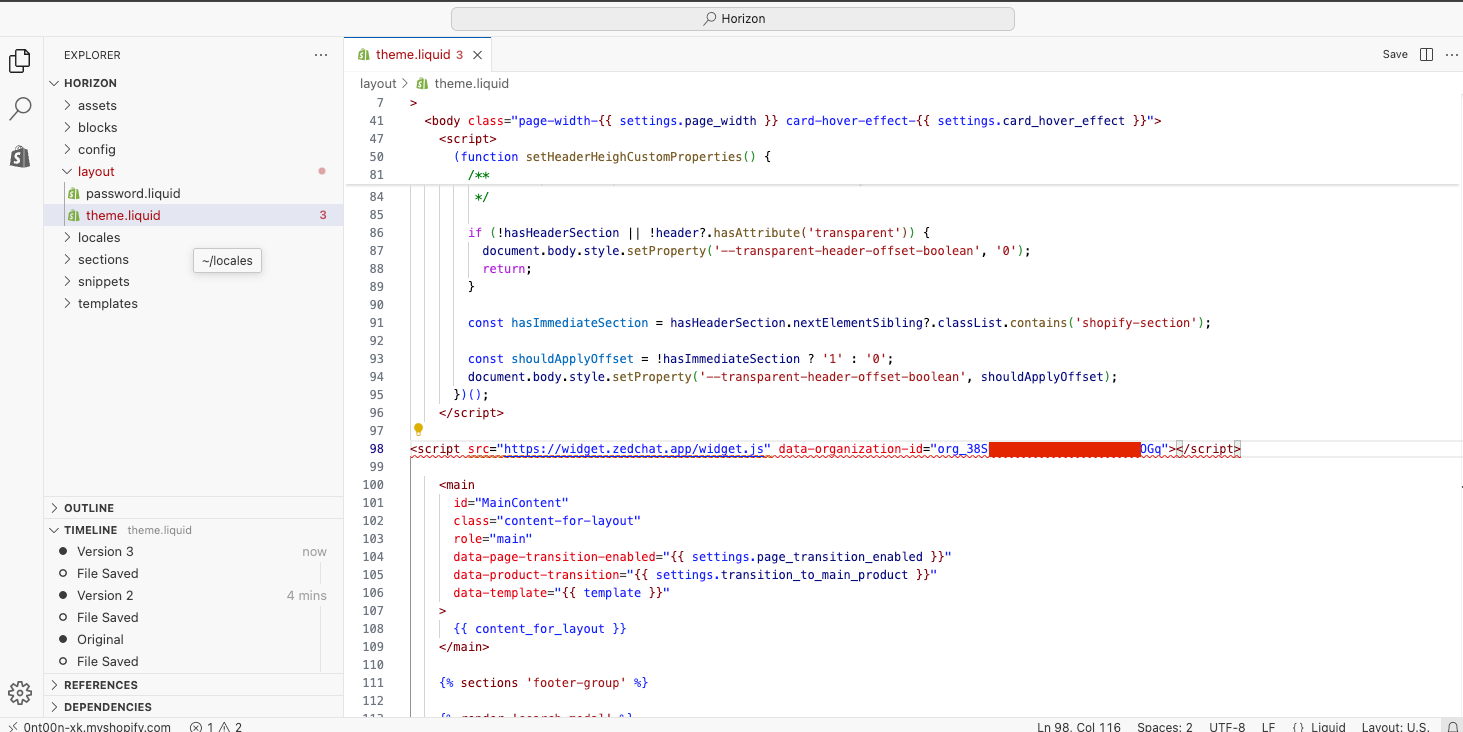
Add the code right after the <head> tag
Find the <head> tag in the code and paste the ZedChat code
directly below it.
Do not place the code inside the <body> section.
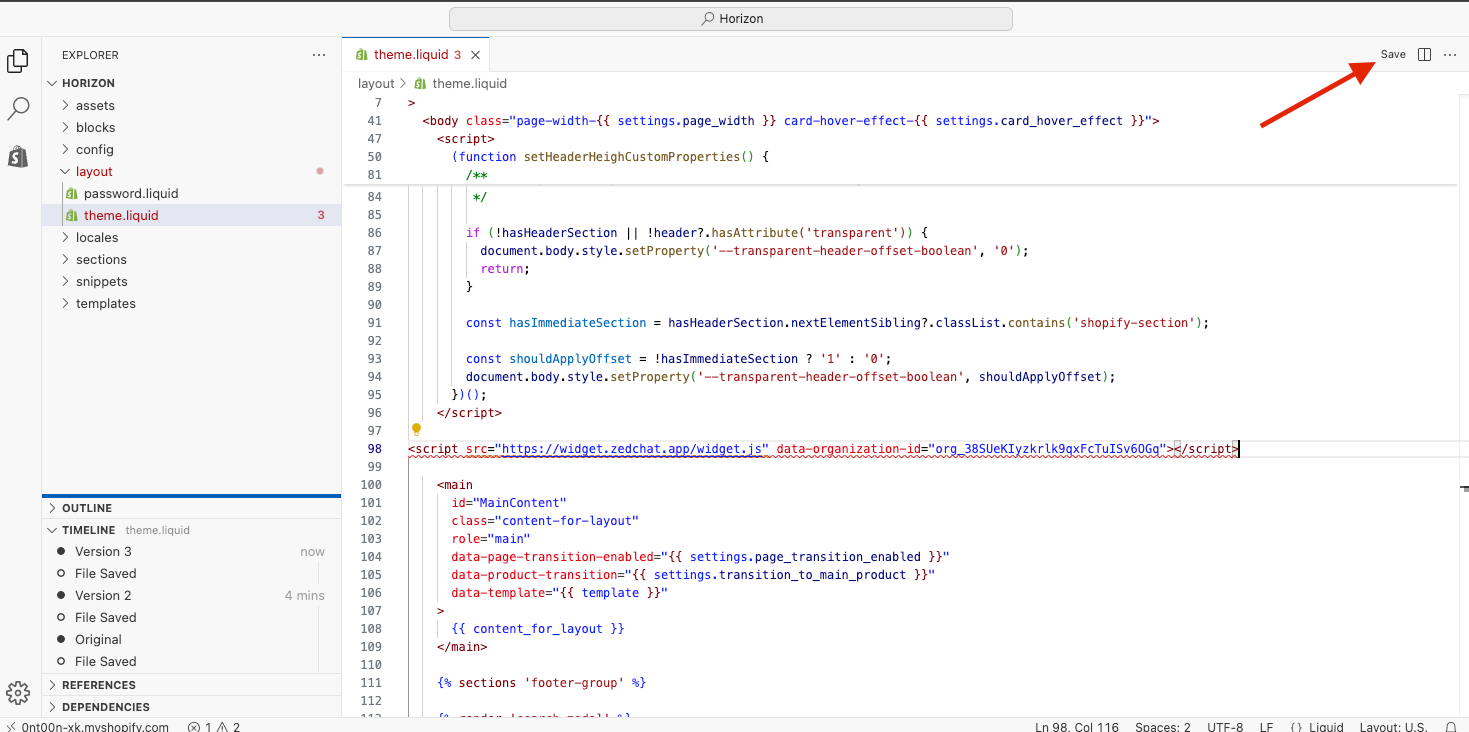
Click Save at the top
Once the code has been added, click Save in the top-right corner.
Done — ZedChat is now live
The chatbot will now appear on your store and serve your customers
24/7 automatically.
If you do not see it right away, refresh the page.